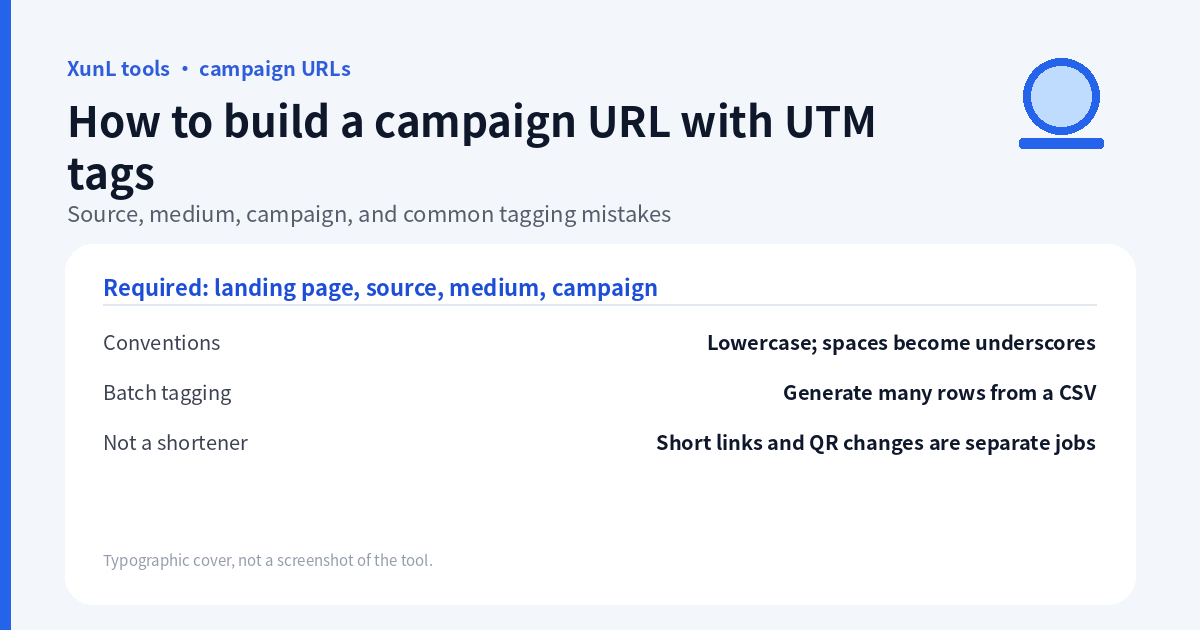
A campaign URL should answer three different questions: where did the visitor come from, what kind of channel was it, and which campaign did the link belong to? Put those answers in utm_source, utm_medium and utm_campaign, not all in one overloaded campaign name.
Use the UTM campaign URL builder to assemble a link, then test the destination and reporting separately. A builder does not install analytics, create a campaign in GA4 or prove that a click became a recorded visit.
This guide uses the public XunL builder page and Google Analytics campaign URL documentation, reviewed on 18 November 2026 (Asia/Shanghai). The worked example below follows the browser worker’s exact input/output log and English and Chinese originals; it did not submit a real campaign or analytics event.
Source, medium and campaign: a naming plan that survives the next send
| Field | Question it answers | Example convention |
|---|---|---|
utm_source | Which publication, platform or sender? | newsletter |
utm_medium | What kind of distribution? | email |
utm_campaign | Which coordinated initiative? | winter_launch_2026 |
utm_content | Which link or creative within it? | hero_button or footer_text |
utm_term | Which paid keyword? | Use when keyword-level identification is needed |
utm_id | Which campaign ID? | Match the ID used in your campaign-data process |
Google recommends setting source, medium and campaign together; XunL marks those three plus the landing URL as required. Optional does not mean arbitrary: leave an irrelevant field empty rather than filling every box with the same word.
If two links sit in the same email, keep source, medium and campaign identical and vary utm_content. If the campaign also appears on social, keep the shared campaign name but use that platform’s agreed source and medium. Record these names in a small campaign register so the next person does not invent newsletter, email_newsletter and Newsletter for the same source.
Values are case-sensitive in Google Analytics: Newsletter and newsletter are different values. Lowercase is a useful team convention, not a magic requirement that makes channel grouping correct. Reporting also depends on the analytics platform’s rules and configuration.
Build a demonstration email link
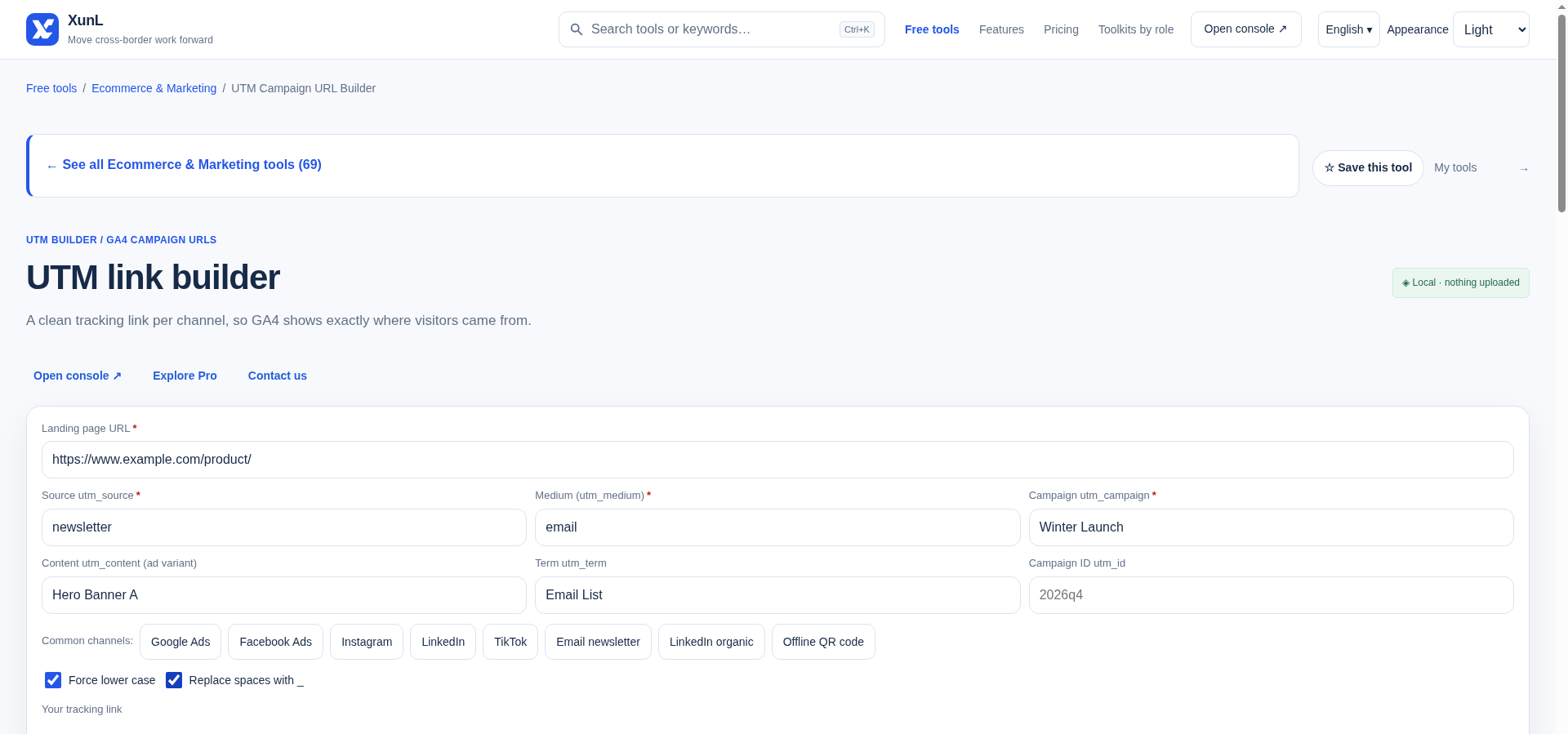
The captured test used the reserved example domain and selected Email newsletter (邮件营销 in Chinese). That preset filled source newsletter and medium email. The remaining test inputs were:
| Builder field | Entered value |
|---|---|
| Landing URL | https://www.example.com/product/ |
| Source | newsletter |
| Medium | email |
| Campaign | Winter Launch |
| Content | Hero Banner A |
| Term | Email List |
| Campaign ID | Empty |
Email List was used to exercise the optional term field in this test. For a normal email campaign, leave term empty unless your measurement plan explicitly needs it; Google documents it for paid-keyword identification.
With Force lower case and Replace spaces with _ both checked, both language runs produced this exact URL:
https://www.example.com/product/?utm_source=newsletter&utm_medium=email&utm_campaign=winter_launch&utm_term=email_list&utm_content=hero_banner_a
The worker then changed one option at a time. With lowercase off and spaces-to-underscores on:
https://www.example.com/product/?utm_source=newsletter&utm_medium=email&utm_campaign=Winter_Launch&utm_term=Email_List&utm_content=Hero_Banner_A
With lowercase on and spaces-to-underscores off:
https://www.example.com/product/?utm_source=newsletter&utm_medium=email&utm_campaign=winter+launch&utm_term=email+list&utm_content=hero+banner+a
The final captured state has both options checked. These are observed states, not claims about a fresh browser’s defaults. On arrival at the Chinese page, values from the preceding English run were already present; after re-entry and repeated steps the output matched. That observation alone does not establish how or where state is stored.
The worker also observed that the email preset could display a source/medium-only URL before campaign was filled. A visible link is not proof that your naming plan is complete: fill campaign too. Parameter order is not the strategy; check the decoded names and values.
Encoding: literal characters are not URL separators
Enter ordinary field values, not pre-encoded fragments. The WHATWG URL Standard defines form-query encoding. In that encoding:
| Literal inside a parameter value | Encoded representation |
|---|---|
& | %26 |
+ | %2B |
# | %23 |
| Space | + |
Other URL serialization contexts may use %20 for a space. That difference alone does not establish a bad link. A literal plus sign, however, is not the same as a space: in form-query parsing a raw + decodes as a space, while %2B decodes as +.
For example, research&partners is one source value only if the ampersand is encoded inside that value. A raw & separates query pairs. Similarly, a raw # starts the fragment rather than adding campaign data. Do not paste tags after a fragment marker.
Do not pre-encode & as %26 in a value field and then ask the builder to encode it again: double encoding can produce %2526, whose decoded text is %26 rather than &. A lowercase or spaces-to-underscores option may change a value before serialization; inspect both the naming transformation and the encoding.
Existing queries, redirects and reporting: the final checks
- Keep destination parameters. If a product URL already includes
?variant=blue, make sure the final link retains that value. Query parameters follow one?and are separated with&; do not manually add a second?. - Avoid conflicting duplicates. If the landing URL already has UTM values, decide the intended values before rebuilding. Do not assume how this builder replaces or retains duplicates without inspecting the result.
- Test the distributed version. Email click wrappers, redirects and short links are additional steps. Follow the final link and confirm campaign values survive. The short URL tool is for distribution length, not a replacement for the UTM naming plan.
- Check analytics independently. Confirm the correct property, consent conditions and measurement setup. Google lists Session source/medium and Session campaign in Acquisition → Traffic acquisition; allow for the platform’s reporting behavior. A generated URL alone guarantees no report row.
- Keep personal data out. Do not put names, email addresses, customer IDs that identify people or secrets into campaign values. URLs can be copied, logged and forwarded. The builder page says assembly happens in the browser and does not request the landing page; that says nothing about who sees a link after you distribute it.
Where not to use UTM tags
Use campaign tags on external distribution such as email, social posts, partner referrals and offline materials. Do not add them to normal internal navigation to measure a site button; use an appropriate event measurement plan instead. Internal acquisition tags create misleading campaign signals. This is not a claim that every internal UTM click starts a new GA4 session.
Keep ordinary internal links and sitemap entries on the intended clean URLs. Campaign URLs should not become competing permanent content addresses; review canonical handling for the actual site rather than treating UTM tags as an SEO technique. No configuration change is needed to read or use this tutorial.
For printed materials, tagging a destination and changing it later are separate jobs. See changing a dynamic QR destination after printing before committing a link to packaging. For a newsletter or signature link, the HTML email signature guide covers layout, not campaign attribution.
Put this guide to work for your business
Start free tools with Google or an email code. Create a company and compare Pro plans when you need monitoring and team permissions.
Personal accounts use Free limits. A separate new company receives a 7-day Pro trial, excluding paid monthly credits.