You can make a signature with a name, role, logo and useful business links in the XunL email signature generator, then copy it into your email settings. For a personal signature you intend to install and maintain manually, this is a practical WiseStamp alternative. The editor lets you preview, copy and download without first connecting a mailbox.
Start with what a recipient needs: who you are, how to reach you and one useful next step. This walkthrough builds a compact signature, checks its export and separates a browser preview from an actual email-client test. Every contact and business detail shown here is fictional, and all example.com destinations are placeholders.
Build a readable signature before adding decoration
Choose “Use my details” to clear unchanged example identity fields and links. Enter your own information, then check it: the generator does not verify who owns a company or telephone number.
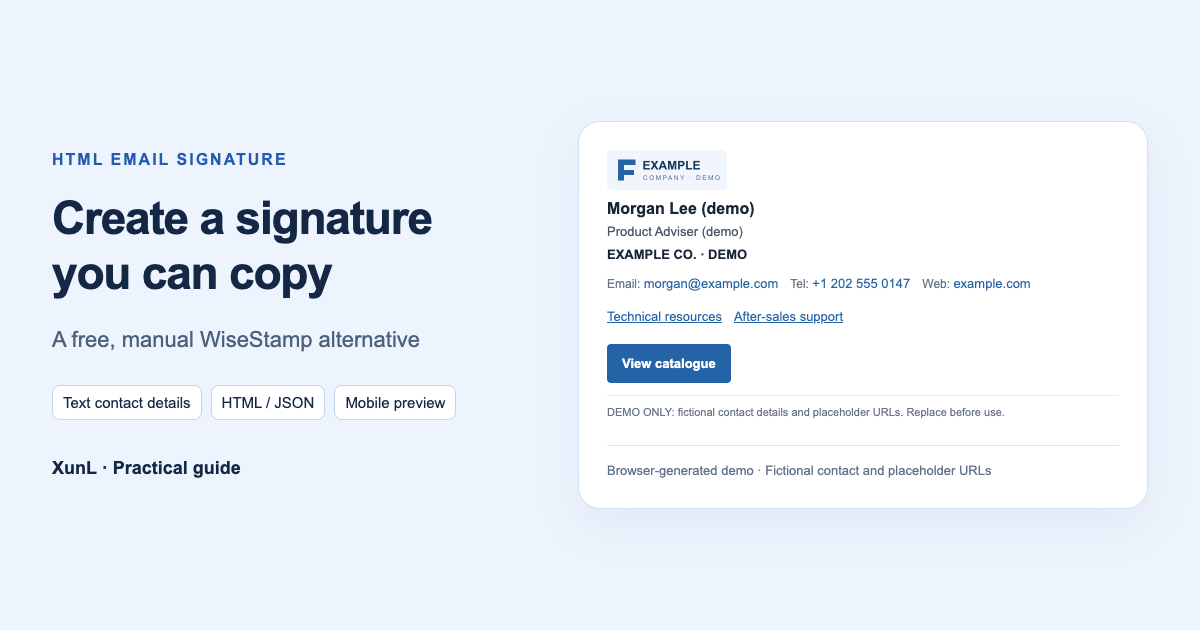
We chose the Compact template with this fictional contact:
| Field | Demonstration value | Purpose |
|---|---|---|
| Name and role | Morgan Lee (demo), Product Adviser (demo) | Identify the person responsible |
| Company | EXAMPLE CO. · DEMO | Keep the organization readable as text |
| Email and telephone | morgan@example.com, +1 202 555 0147 | Provide direct contact links |
| Website | https://example.com/ | Offer a general company destination |
| Two additional links | Technical resources, After-sales support | Give specific labels to useful resources |
| Main action | View catalogue | Make the priority destination obvious |
Replace every placeholder before use. Preview links do not navigate; copy the destination from its input field to a new tab. Open your actual destination pages and check that each label describes what a customer will find. “Download catalogue” should lead to a catalogue or a clear download page, rather than a homepage that makes the reader search again.
XunL has six layouts and supports up to six additional links, alongside a website and one main action. Those are available spaces, rather than a target to fill. A short reply signature may need only a name, role and two contact methods. Keep a fuller version for a first introduction if its links help the recipient.
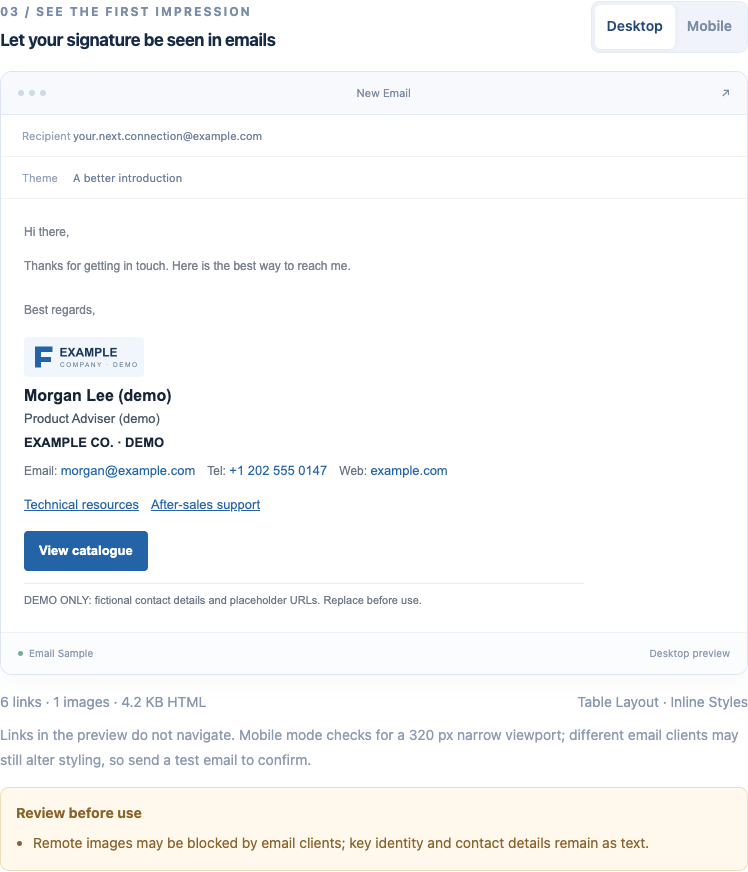
An actual browser preview from the tool. Its message frame is an illustration, not a sent email.
Use a public logo URL and keep contact information as text
The Brand images panel accepts a complete HTTPS image URL. Our example uses XunL's clearly marked DEMO logo, displayed at 120 × 40px, with no portrait or large banner. Replace it with an image you have permission to use and can keep publicly available.
Use an image-file address, rather than a drive preview page, a local computer path or a page that requires sign-in. Check it from another device without logging in, and make sure it is not a short-lived download link. Public availability also means someone with the address may view the image; this is a place for public brand material.
Keep the name, email, telephone and important links outside the image. A single picture of the entire signature becomes unhelpful when images do not load. Microsoft documents external-picture blocking in classic Outlook. HTTPS alone does not override a recipient's image settings.
For a version without remote images, select “No images.” In this example, removing the logo left the contact information, resource links and button intact. “Copy plain text” is another useful option when formatting is unnecessary.
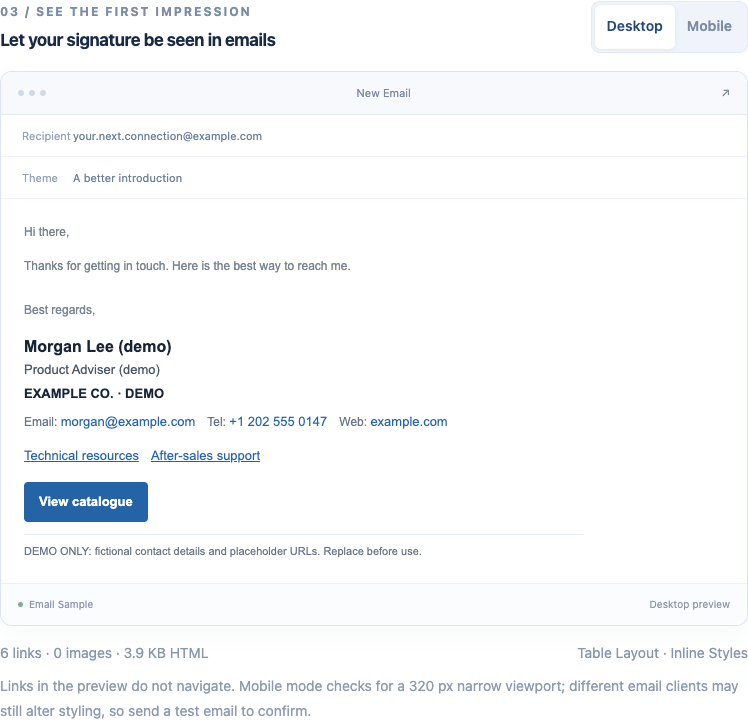
This is the tool's image-free output, not a simulation of a recipient's email client blocking pictures.
Copy the formatted signature into the correct settings
Use “Copy signature” for a normal rich-text signature editor. “Copy HTML source” is for a system that explicitly accepts code. Pasting source into an ordinary editor can display the table tags instead of a formatted signature.
Our live English example produced six links, one logo and about 4.2KB of HTML. Formatted copy worked, and the HTML and configuration JSON downloads completed. After clearing the editor and importing its JSON, the generated HTML matched the original exactly. These checks covered browser creation and export; we did not sign in to Gmail or Outlook or send a message.
Use the settings for the email version you actually have:
| Email version | Signature settings | After pasting |
|---|---|---|
| Gmail on the web | Settings → See all settings → General → Signature | Save changes and review defaults for new messages and replies |
| New Outlook | Settings → Accounts → Signatures | Select the correct account, save and set the intended usage |
| Classic Outlook | New Email → Signature → Signatures | Choose defaults for new messages and replies or forwards |
These paths follow Google's signature instructions and Microsoft's version-specific guide. Gmail documents a 10,000-character signature limit, including images. The generator's HTML byte total is a different measurement; if saving fails, simplify the signature and check again in Gmail.
If browser clipboard access is unavailable, the tool opens a manual-copy window. Select the formatted signature there and use Ctrl/Cmd+C. A copy operation does not require giving the generator your mailbox password.
Check narrow width, then test your actual mailbox
The Mobile toggle shows a 320px browser preview. In our example, the website wrapped onto another line without horizontal overflow. This helps expose long addresses, lengthy link labels and oversized image spaces. It does not certify the result in every email app.
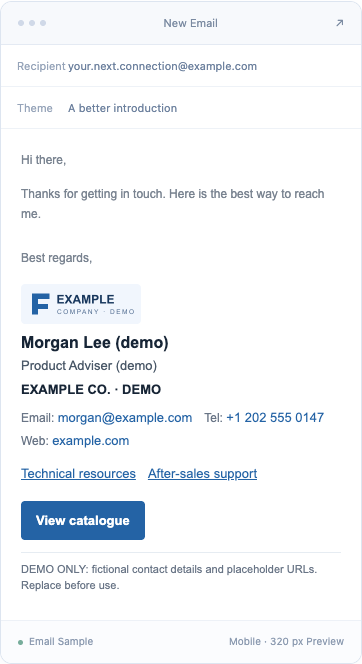
The tool's narrow browser preview, not a screenshot from a phone's email app.
After installing your signature, send yourself a test message. Inspect desktop and phone views, a new message and a reply, light and dark appearance, and the information left when images are unavailable. Check the actual address, telephone link, destination pages and logo proportions. If a particular client matters to your customers, view the message there too. Treat button corners, colors and fonts as details to inspect rather than guaranteed identical rendering.
Keep the HTML and the editable configuration
“Download HTML” saves the current signature for browser viewing or a system that needs HTML. It is not a universal one-click installer. “Export config JSON” saves the supported contact, layout, image and link fields so that you can import and edit them later. The configuration contains contact information, so keep it with your other business files.
Local draft saving starts switched off. If enabled, it saves in that browser; export the configuration when you need to continue on another device. Editing a telephone number in the generator does not update a signature already pasted into a mailbox. Copy and install the revised version, then check the account's default signature again.
UTM tagging is optional. In our separate demonstration, enabling it added the selected source, medium and campaign to web links while leaving the email and telephone links serving their original purposes. Tags can help a destination site's analytics distinguish signature traffic; they do not measure every click or establish email opens or sales. Keep customer names, email addresses and telephone numbers out of tracking parameters.
Decide whether you need a generator or ongoing management
XunL provides free manual HTML creation and export without an added XunL promotional line. Editing and exporting happen in the browser; remote image URLs can load from their host. Optional website analysis submits a site and goal for public-page analysis and model processing. This walkthrough used manually entered links and did not run that analysis.
WiseStamp also has a free route. Its Free versus paid guide currently limits the individual free plan to personal webmail; company-domain email and direct copy-and-paste sit in paid plans. Its standalone Generator guide describes starting a trial to install from that entry point. Check the route and current terms.
For employee-directory synchronization, administrator-controlled deployment, campaigns or analytics, compare dedicated management products such as WiseStamp. A manually exported HTML file does not provide those company-wide operations, and a polished signature does not itself improve mail delivery.
Build a short, useful version in the HTML email signature generator, then inspect it in your own mailbox. If your catalogue materials still need assembly, the PDF merge and page-order guide can help you prepare the content before choosing a suitable public page to link from your signature.
Put this guide to work for your business
Create a company account to try website monitoring and the inquiry workbench. Compare Pro plans for your team’s ongoing needs.
No card required. The trial returns to Free when it ends. Paid monthly credits are not included in the trial.