One reference photo, three separate decisions
A product photo shows the object. An ad creative also needs a setting, a confirmed message and an appropriate export format. Asking for all of that in one undifferentiated prompt makes the result harder to review and revise.
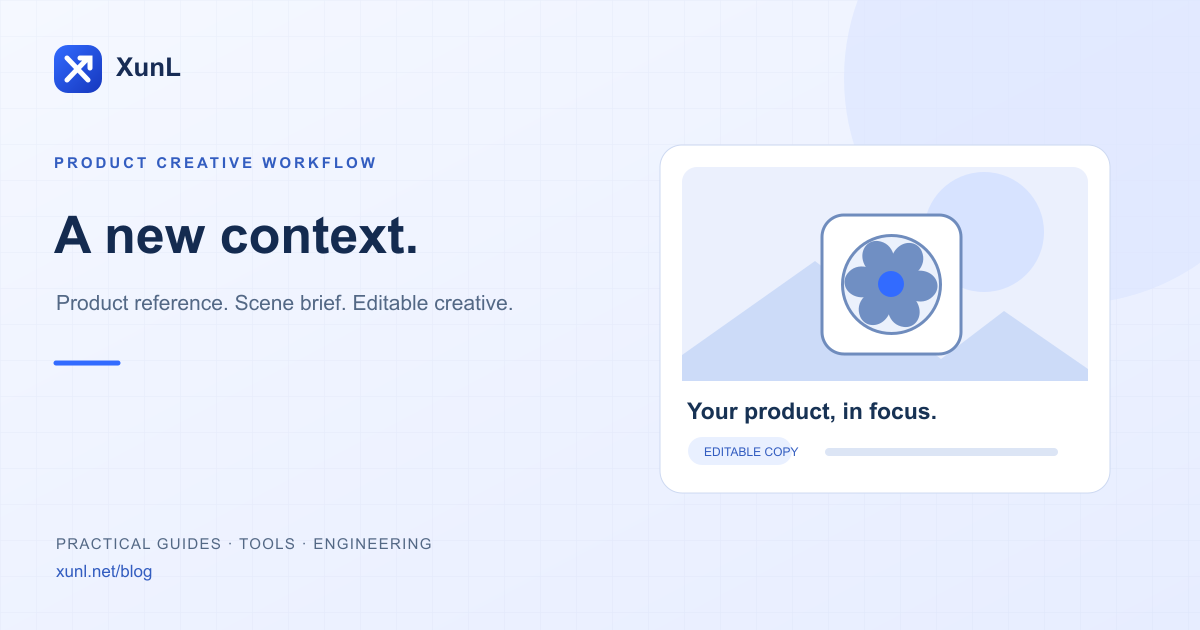
The XunL AI ad image generator separates product input, scene planning and final design. A product page and description can add context. Uploads and model calls happen only after an explicit action. The local demo shows the layout; it is not a completed AI image generated for your business.
Prepare the reference and the facts
Use a clear photo with intact edges and little obstruction. Add the category, visible features, intended audience and confirmed use where helpful. Model numbers, certifications, dimensions, materials and performance need original supporting records.
A page excerpt or user description is an input source, not independent verification. The tool distinguishes visible observations from claims supplied in the brief or product page. Review the evidence attached to each selling-point suggestion before using it.
For an illustrative scene-planning example, a child’s dining chair might be placed near a tidy kitchen table, with space for a headline. That scene does not establish age suitability, load capacity or safety certification. Those are separate product-review questions.
Compare scenes and own the brief
AI planning proposes three scene directions. Check whether each helps explain the product, then review placement, camera angle, lighting, background and negative space.
| Brief element | What to specify |
|---|---|
| Reference product | Preserve its shape, color and defining structure |
| Setting | A relevant context without unsupported usage claims |
| Composition | Position, camera direction and visible areas |
| Lighting | Coherent illumination and contact shadows |
| Constraints | No invented claims, labels, parts or distracting objects |
You can edit the final prompt. A preservation instruction is not a fidelity guarantee: a model can still alter shapes, component counts, logos or details. Use the original product photo with local poster templates when exact structural representation is essential.
Confirm a quote before generating
Real scene generation requires active paid membership and available credits. PRO supports 1K, up to 20 jobs daily and one concurrent job. MAX supports 1K or 2K, up to 60 daily and two concurrent jobs. Failed or cancelled jobs also count toward the relevant daily job limit. Check the account’s current availability.
The quote does not call the image model. Confirmation reserves a conservative maximum. Verified actual usage is settled afterward and unused credits are released. An uncertain network result is not automatically regenerated; reconcile the original task first.
During launch verification, an original public fan illustration produced a 1024×1024 scene through Google’s image model. That example’s measured input and image-output usage equated to about 18 credits under the current rules. It is not a fixed price, timing promise or fidelity guarantee. The reference, prompt, resolution and returned usage affect the outcome.
Keep the selling-point text editable
After scene generation, the headline, brand and up to three selling points are composed independently in the browser. Choose one of four templates and palettes, refine the fit or crop, and export PNG or JPG. Local typography and layout edits do not call the image model again.
Export canvases include 1200×1200, 1200×628, 1080×1350 and 1080×1920. Canvas pixels are not native model detail: enlarging an export cannot recover detail that was never generated. Check the destination platform’s current image and file requirements before uploading.
Export an image alone or a poster with optional text. Review the image first, then decide what belongs in the composition. Keep product details visible and leave unsupported performance promises out of the copy.
What is free, and what uses credits?
Local templates, text changes and exports are free. Public AI product analysis and planning require verification and have daily and service safety limits. The initial release does not include complimentary paid image generation.
Reference images, prompts and generated images are private and retained for seven days. Download them promptly; task status and metering records remain available for reconciliation. Opening an existing result does not generate or charge again; a new scene generation needs a new confirmed quote.
Check the finished asset before advertising
- Compare shape, color, component counts and logos with the original.
- Trace every claim to approved product information.
- Inspect whether cropping hides a defining feature.
- Check text contrast and readability at mobile size.
- Confirm the destination’s format and file requirements.
- Match the creative to the landing page before evaluating performance.
Use the image editor for further adjustments and the color palette tool for visual consistency. The creative is one part of campaign preparation; it does not establish product truth or advertising performance.
Prepared with AI assistance and checked against the current XunL implementation and public-demo call records. Limits and pricing can change; use the quote and account information shown at submission.
Tools for your next step
Put this guide to work for your business
Create a company account to try website monitoring and the inquiry workbench. Compare Pro plans for your team’s ongoing needs.
No card required. The trial returns to Free when it ends. Paid monthly credits are not included in the trial.