Start with the next action your customer needs to take
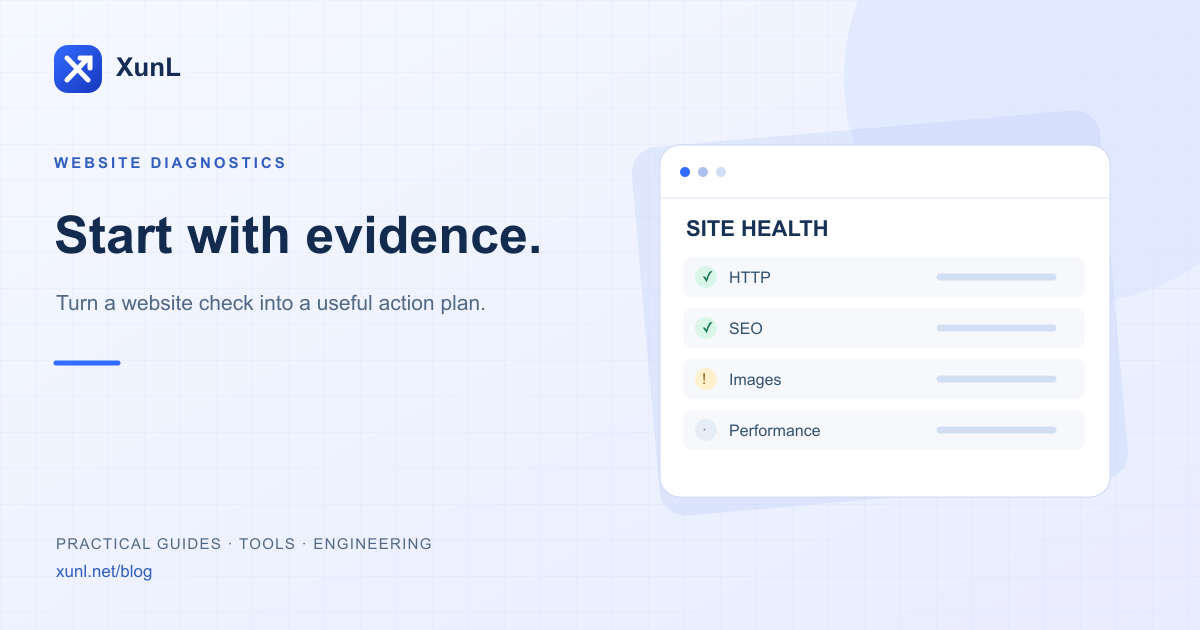
A useful website audit helps a visitor open a product page, understand the offer and reach the inquiry form. Turning every check green is not the goal. Different findings call for different actions, and the report needs to make those differences visible.
Start with XunL website diagnostics and submit a public URL. The free report is a bounded sample. A homepage result, a discovered article check, a full-site crawl and ongoing monitoring cover different things. Do not treat one as proof that the others are complete.
Read coverage before counting passed checks
First establish what the service actually inspected. Could it retrieve the target page? Did the performance provider return data? Was an article discovered? Was a result blocked by an access rule or timeout?
| Status | Meaning | Action |
|---|---|---|
| Error | A specific problem was observed in this sample | Verify the evidence and scope, then repair it |
| Warning | A risk or condition needs attention | Review it against the page’s purpose |
| Passed | This particular condition was satisfied | Still check the real visitor workflow |
| Unknown | There was insufficient evidence | Resolve coverage or test again later |
An unperformed check is not a passed check. If real-user performance data is unavailable, preserve that uncertainty rather than replacing it with a simulated score.
Prioritize the customer journey
Fix problems that block access or inquiries first: broken product URLs, irrelevant redirect destinations or an unavailable inquiry endpoint. Then review indexability, canonical destinations and crawl instructions against the page’s intended purpose. Finally, work through image delivery, script loading and layout issues.
Consider this illustrative scenario, not a customer case study: the homepage returns 200 while an old product URL returns 404. The homepage success does not resolve the product failure. Identify where the old URL is linked, determine whether a suitable replacement exists, and decide whether to restore, redirect or remove the reference. Sending every missing product to the homepage can obscure the original problem.
Change one cause at a time when practical. Replacing a theme, several plugins, the cache configuration and all product images together makes it harder to explain why the result changed.
Separate server response from browser experience
A server response measurement covers only part of loading. The browser also downloads resources, runs scripts and renders the page. Keep response timing, laboratory tests and available field data distinct.
Google’s current Core Web Vitals are LCP, INP and CLS. Good thresholds are 2.5 seconds, 200 milliseconds and 0.1 respectively, evaluated at the 75th percentile of visits. Lighthouse TBT is not a direct measurement of real-user INP. See Google’s Web Vitals documentation for definitions and measurement boundaries.
Record the URL, device setting and test time before changing a hero image, a blocking resource or a missing layout placeholder. Retest under comparable settings. A single lab run should not be presented as a verified result for all visitors.
Write tasks another person can complete
Every repair item should include:
- The affected URL and concrete evidence, such as a redirect, status or image reference.
- The impact on access, reading, conversion or further investigation.
- An owner and a specific change to make.
- A verification step that also checks an unaffected page or workflow.
“Make the site faster” is difficult to hand off. “Deliver an appropriately sized product hero image, then retest under the same mobile settings” is a clearer task. The report helps investigation; it does not replace checking the real inquiry path.
Know when a wider crawl is necessary
A redesign, migration or large publishing batch may require a complete URL inventory and a broader crawl. Broken image references and internal links need to be reconciled with that inventory.
An orphan-page finding also needs a trustworthy reference list. Failure to discover a page does not prove that the page does not exist. A Sitemap alone does not prove that the inventory is complete. State the sources and crawl limits before explaining the conclusion.
Common questions
Does passing an audit guarantee search rankings?
No. Technical checks do not establish content quality, demand, competition or rankings. Google’s people-first content guidance is useful context for what an audit cannot prove.
Must I enter a WordPress article separately?
XunL attempts to recognize public WordPress clues and discover an article where possible. Check the report’s actual coverage. Restricted sites and unusual structures may still need a specific article URL.
What should I do after the report?
Choose one problem affecting a customer’s next step, retain the evidence and verify the repair. Use email health checks for mail-domain configuration, or the Markdown editor to prepare a handoff.
This product workflow was prepared with AI assistance and checked against the current implementation and cited public sources. Examples are explanatory, not customer outcomes. Availability and limits are shown in the live tool.
Tools for your next step
Put this guide to work for your business
Create a company account to try website monitoring and the inquiry workbench. Compare Pro plans for your team’s ongoing needs.
No card required. The trial returns to Free when it ends. Paid monthly credits are not included in the trial.